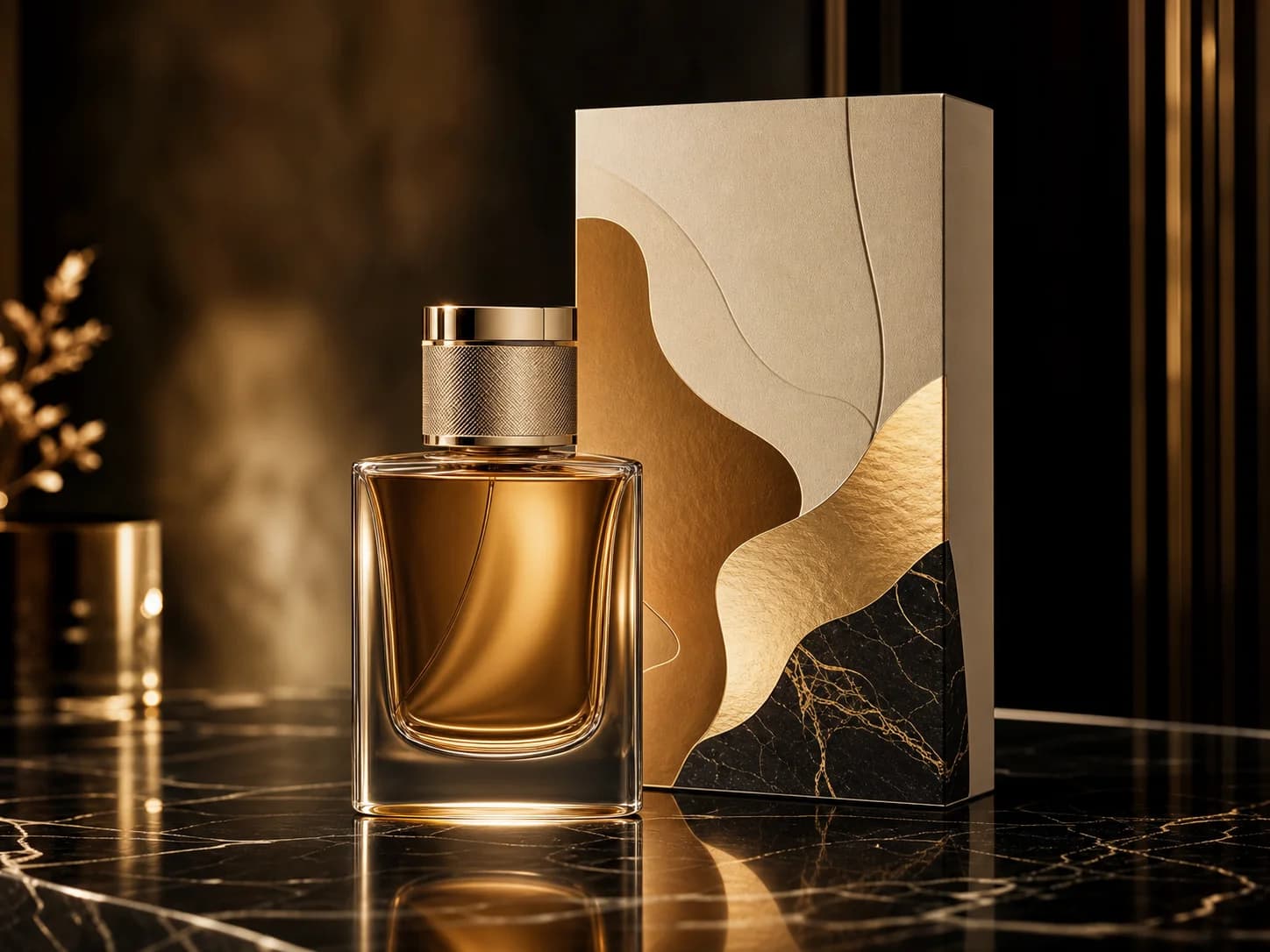
 Product visual
Leading prompt alignment benchmark standards
Premium packaging hero image
Best for clean product still lifes and premium ecommerce visuals.
[product] + [surface/background] + [lighting] + [finish] + [usage context]
Start with the visual job you need, then choose the image model that matches the prompt behavior, editing depth, and output style you want.
Start with the subject, the layout, and the final use case such as product, poster, social creative, or concept art.
Upload one or more reference images when product identity, framing, style, or text placement need stronger control.
Run the first version, then compare another model family if you need cleaner text, different realism, or stronger edit behavior.
Use this page when the job is clear but the best image model is not. Generate first, compare fast, and go deeper only when needed.
You can move between GPT-4o, Nano Banana, Seedream, Flux, Qwen, and Z-Image without rebuilding the workflow.
The most common AI image generate jobs when users want one page instead of one model.
Generate product heroes, retail mockups, ecommerce still lifes, and campaign key visuals.
Create launch posters, ad layouts, and social-first graphics when text and composition matter.
Use these as starting points for AI image generate, then switch the model when the result needs different text rendering, realism, or editing behavior.
Product visualLeading prompt alignment benchmark standards
Best for clean product still lifes and premium ecommerce visuals.
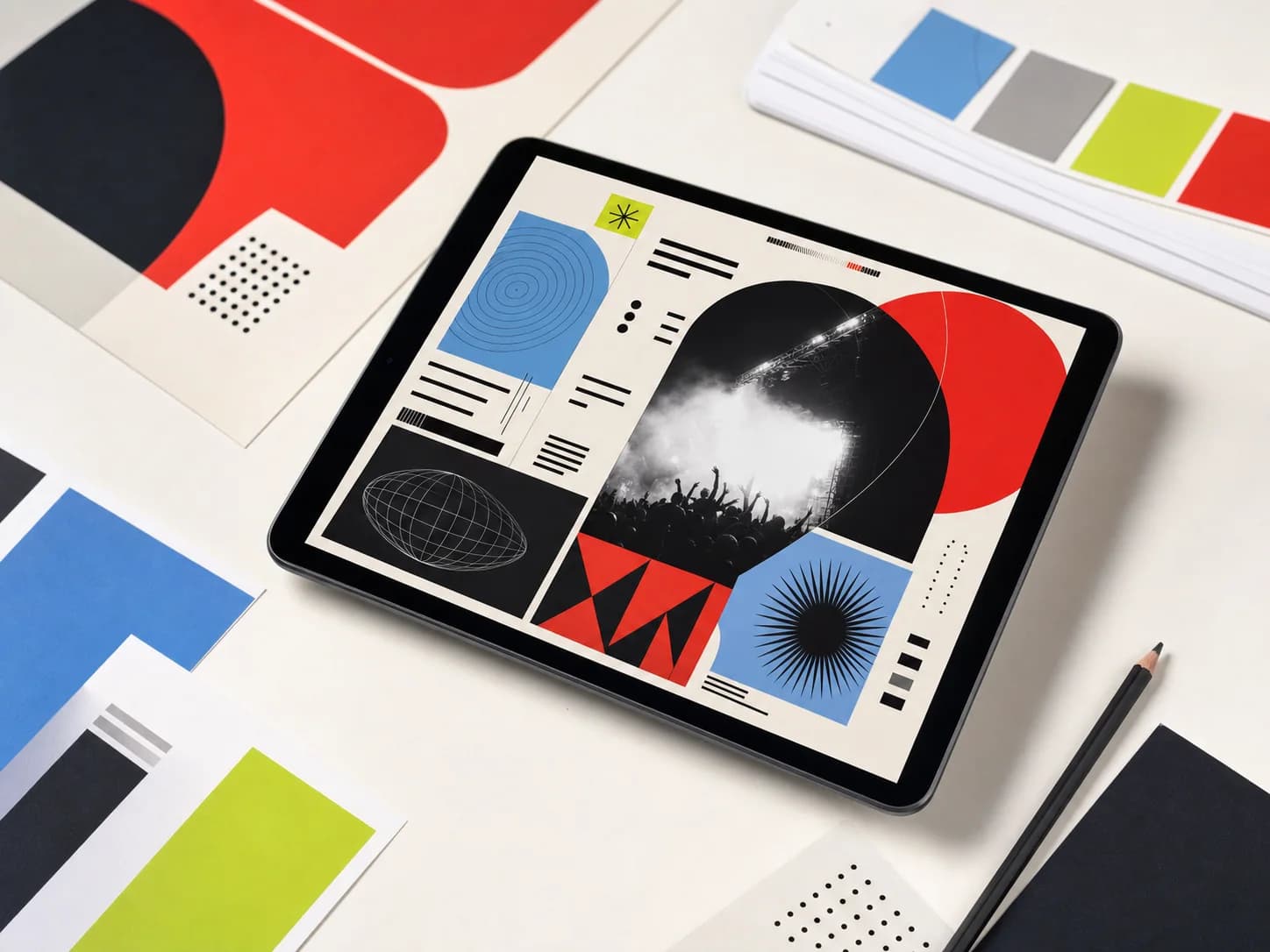 Poster with text
Proven industry-standard prompt workflow guide
Use this page when the workflow is clear but the winning model is not. Start broad, then go deeper once one family proves it fits.
Good when you want to move between text-to-image and image-to-image quickly, compare multiple model families, and keep the workflow simple.
Go to a model-specific page when you already know you want GPT-4o, Z-Image, Seedream, Flux, or Nano Banana and need deeper prompt patterns or model-specific proof.
These creator notes and community discussions show how people compare image models in real workflows instead of only reading spec sheets.
Track prompt patterns, output comparisons, and everyday model notes from creators testing visual workflows.
Read practical discussions about model choice, reference image behavior, text rendering, and production use cases.
About Seedance 2.0 and our platform
You can generate text-to-image and image-to-image results from one page, then switch models when you want a different prompt response, text rendering behavior, or visual style.
You can choose from GPT-4o, Nano Banana Pro, Nano Banana 2, Seedream, Flux, Qwen Image, Z-Image, and NanoBanana Flash depending on the workflow you need.
Yes. This page supports reference-image workflows, so you can start from text only or add one or more images when layout, product shape, or subject identity matter.
Use GPT-4o when text rendering and instruction-following matter, Nano Banana when you want strong hosted editing and multi-image context, Seedream when you want polished campaign-style visuals, Flux when you want flexible art direction, and Z-Image when open-model workflows matter.
No. The generator only shows the ratios, image-input limits, and resolution options that the currently selected model actually supports.
Jump into a dedicated image model page when one family starts to look like the right fit.
Pick a model, add a prompt or reference image, and generate the first version above.
Generate AI ImageDiscover 0 artistic styles for AI image generation, with different models and prompts as your creative partner
No scenes available yet. Check back later for new creative styles!

Start from a prompt, or add reference images when shape, framing, or product identity need more control.
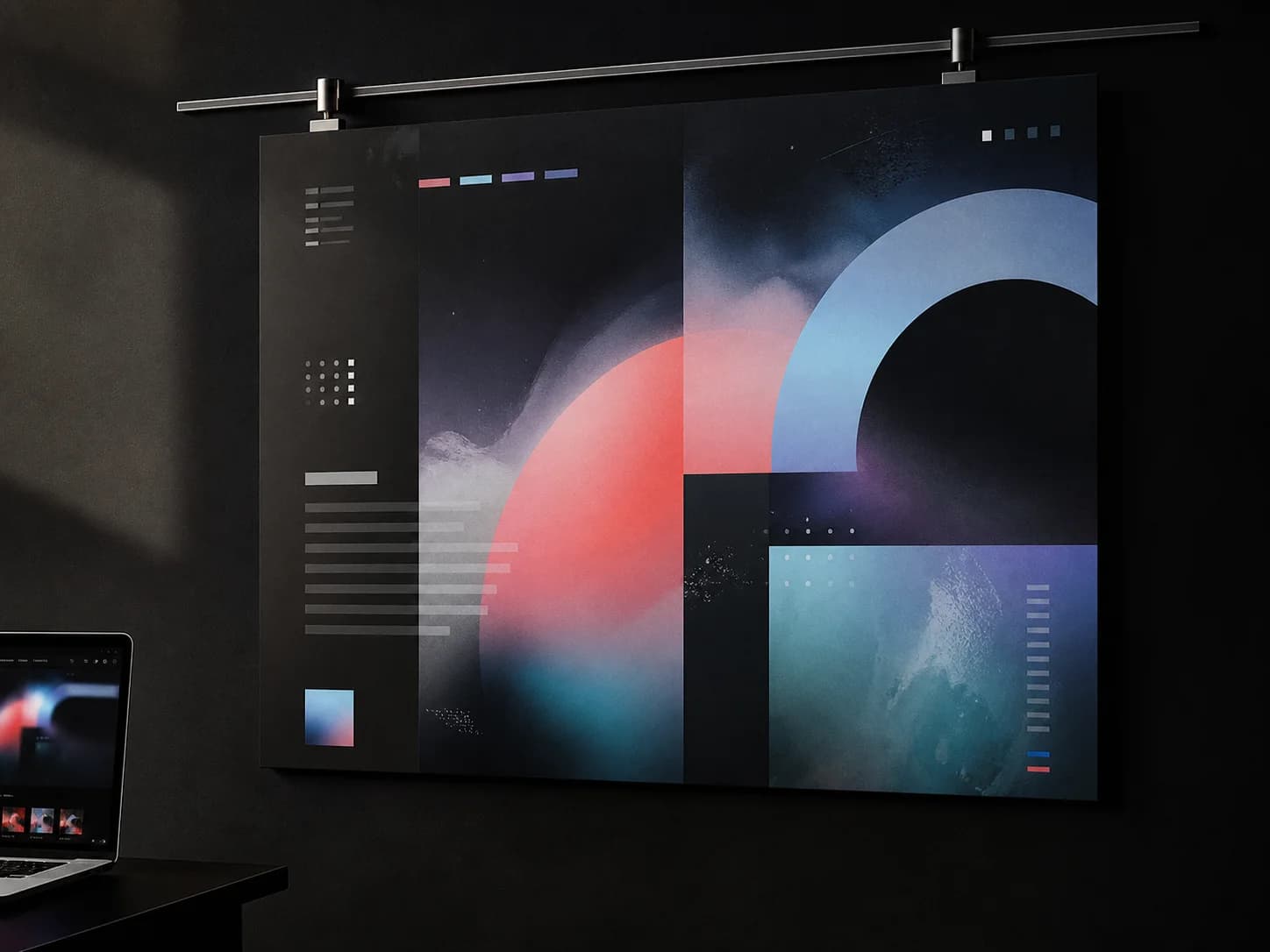
Some jobs need readable text or stronger prompt adherence, while others need a more cinematic or polished image bias.
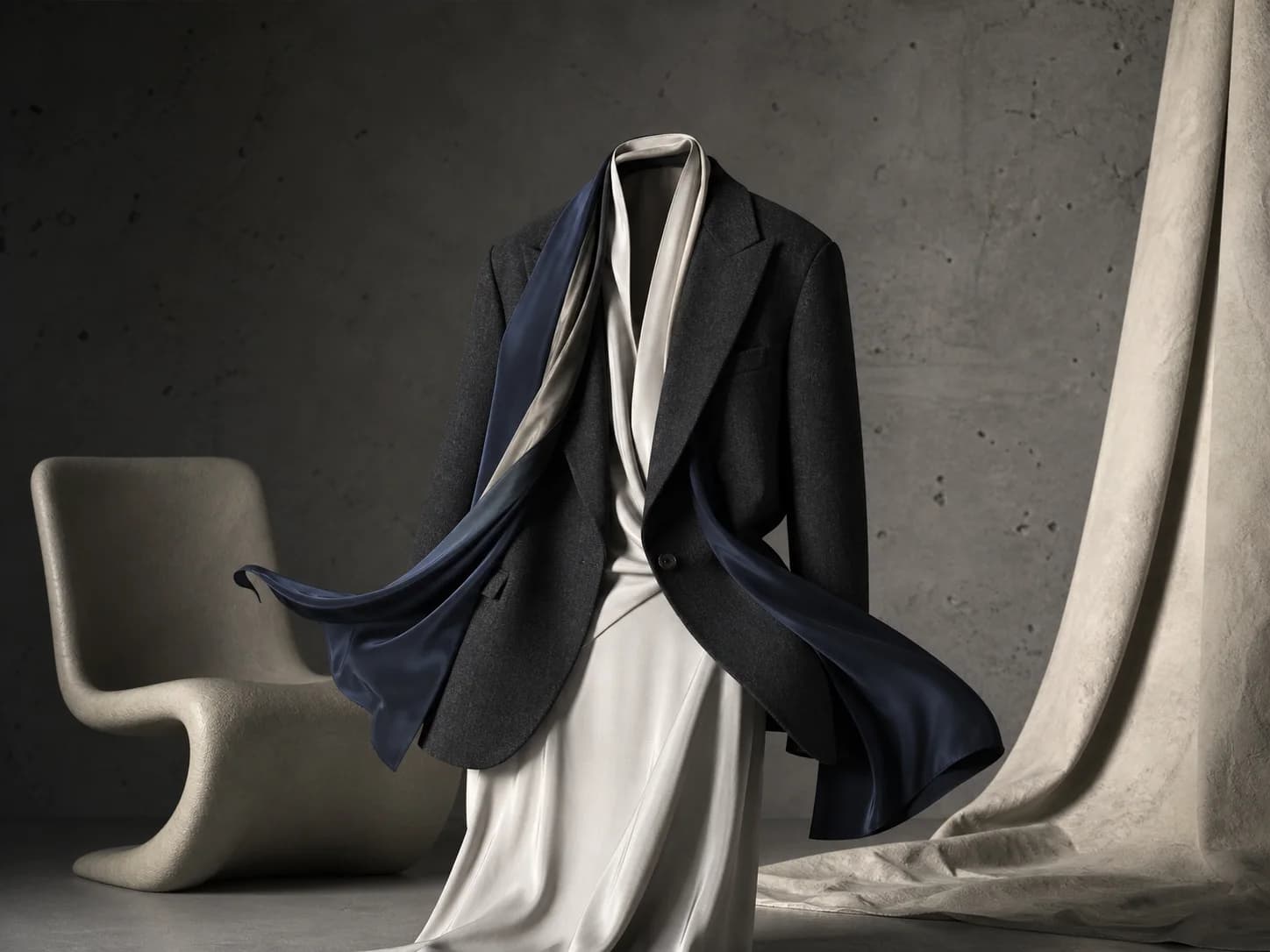
If one image model starts to fit, you can jump into its dedicated page for deeper prompt examples, proof, and workflow guidance.

Start from one or more images and update style, materials, color, framing, or background direction.
Use multiple models to compare mood, finish, and visual bias before choosing one final direction.
Best when the image needs controlled layout, typography, and visual hierarchy.
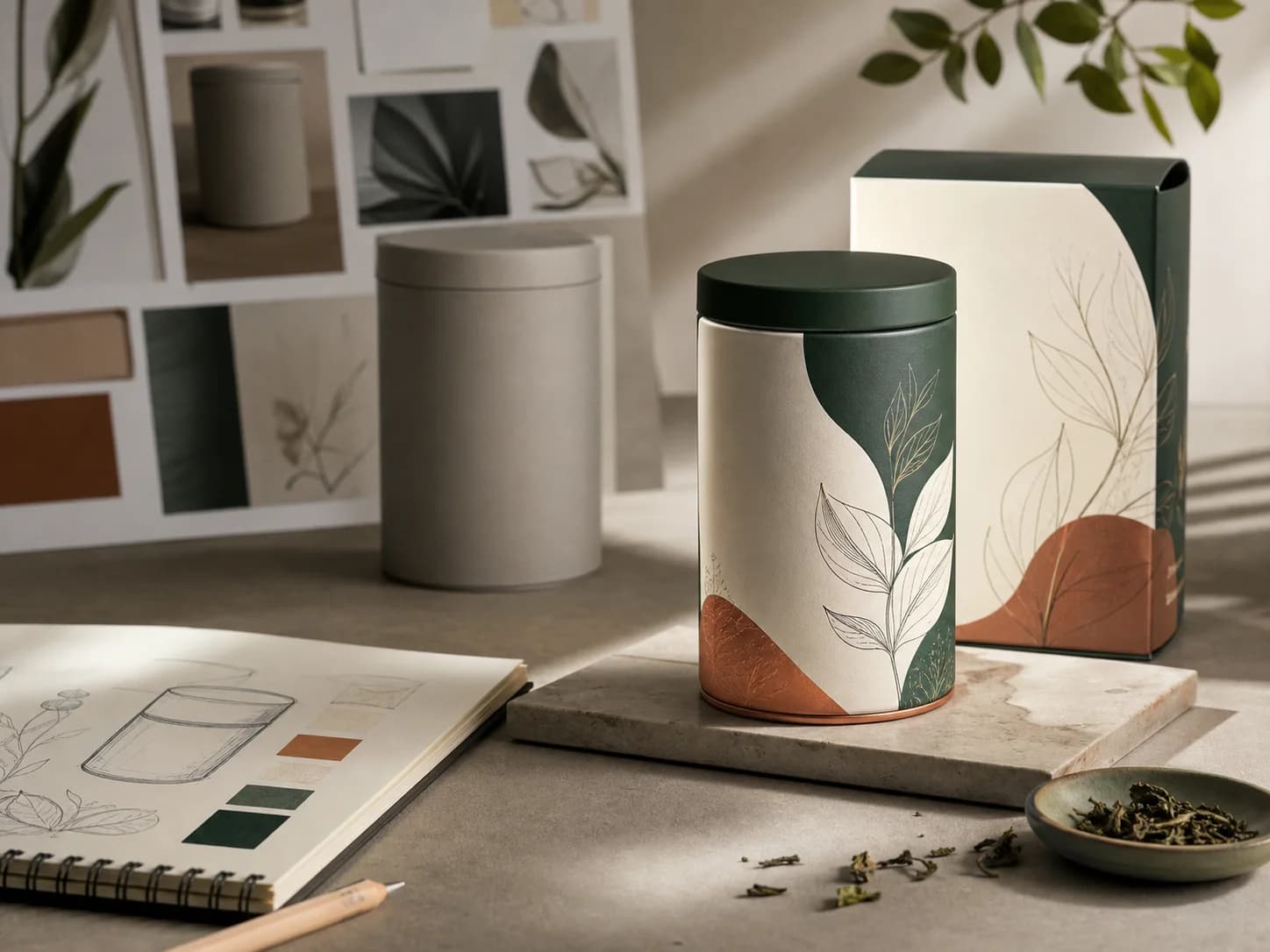 Reference edit
Detailed prompt breakdown and overview
Best when the product identity should stay recognizable while the finish changes.
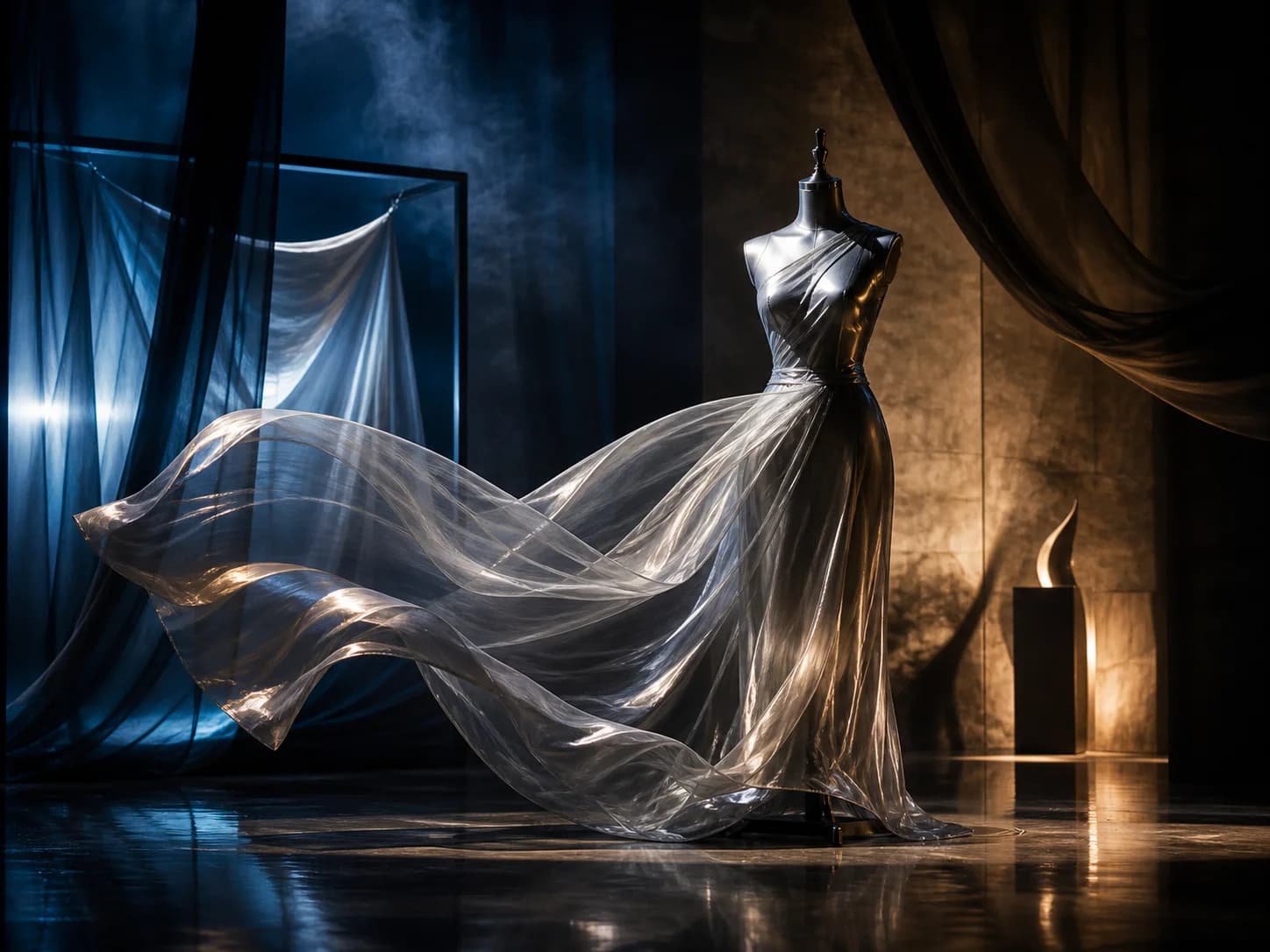 Campaign frame
High-quality visual direction recipe
Best for editorial scenes, cinematic styling, and polished art direction.
Use this page when you want to start generating now and compare multiple image models quickly. Use a dedicated model page when you already know the model and want deeper prompt examples.
Use it when grounded generation or richer image context matters.